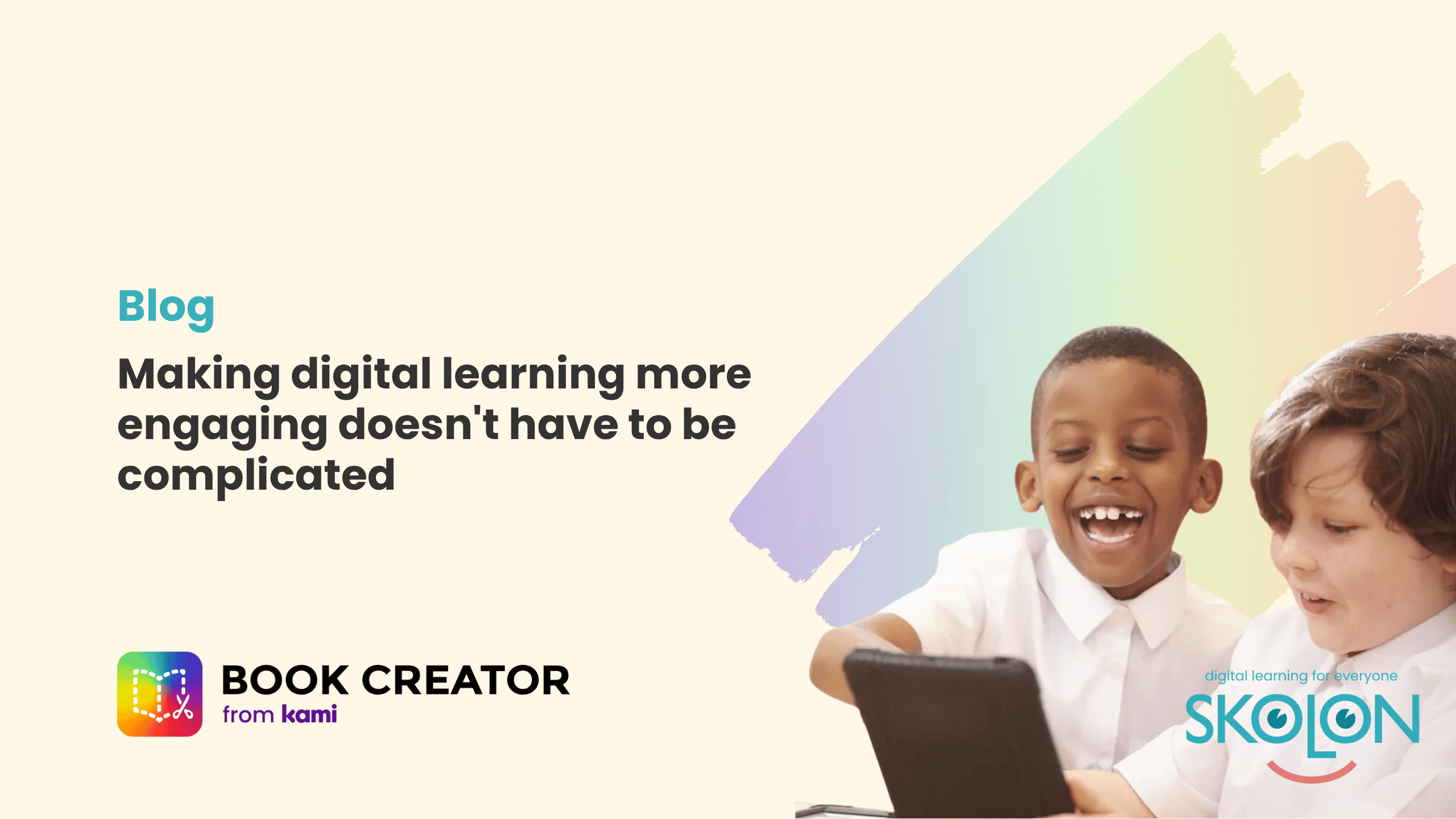
Making digital learning more engaging doesn’t have to be complicated
Author: Amber Lovell
(it’s true!)
Every teacher wants lessons that capture their pupils’ attention, encourage creativity and support every learner, yet on the daily, they’re faced with the challenge of finding tools that genuinely help without creating more work.
From experience, if you’re an educator reading this you’ll know that too often, introducing new technology means either learning another platform, managing another login and finding time to redesign existing resources or a combination of all three. That said, the best digital tools should fit naturally into the way you already teach.
That’s exactly what we explored in our recent webinar with Wendy Peskett from Kami and Book Creator.
Rather than showcasing features for the sake of it, Wendy’s session focused on practical classroom ideas that teachers can start using immediately.
For example, you’ll see how existing PDFs and worksheets can be transformed into interactive digital activities instead of being recreated from scratch. You’ll also discover how Book Creator supports accessibility with built-in translation into more than 100 languages, audio instructions and automatically generated transcripts, helping to remove barriers for pupils with different learning needs.
The webinar also demonstrates how pupils can use text, images, drawings, audio and video to create their own work, giving them more opportunities to express their understanding in ways that suit them.
Of course, a great classroom tool is only useful if it’s easy to access. That’s why Book Creator works seamlessly through Skolon.
With single sign-on, teachers and pupils can launch Book Creator alongside their other digital learning resources without the hassle of extra usernames and passwords.
If you’re already using Skolon, you’ll also see how simple it is to find Book Creator in the Skolon Store and start exploring it for free.
Whether you’re looking to improve accessibility, encourage pupil creativity or make better use of the digital resources you already have, this webinar is packed with practical ideas you can take straight into the classroom.
Watch the recording to see Book Creator and Skolon in action, and discover how small changes can make a big difference to teaching and learning.
This is Skolon – we gather the best digital educational tools and make them work in the classroom.
Skolon is an independent platform for digital educational tools and learning resources, created for both teachers and students. With Skolon, accessing and using your digital educational tools is easy – security increases, administration decreases, and there’s more time for learning.
The digital educational tools come from both small and large providers, all of whom have one thing in common – they create digital educational tools that are beneficial for the school environment.
Information
Author: Amber Lovell
Share this story
Subscribe
Would you like our newest articles delivered to your inbox? Sign up now!
(it’s true!)
Every teacher wants lessons that capture their pupils’ attention, encourage creativity and support every learner, yet on the daily, they’re faced with the challenge of finding tools that genuinely help without creating more work.
From experience, if you’re an educator reading this you’ll know that too often, introducing new technology means either learning another platform, managing another login and finding time to redesign existing resources or a combination of all three. That said, the best digital tools should fit naturally into the way you already teach.
That’s exactly what we explored in our recent webinar with Wendy Peskett from Kami and Book Creator.
Rather than showcasing features for the sake of it, Wendy’s session focused on practical classroom ideas that teachers can start using immediately.
For example, you’ll see how existing PDFs and worksheets can be transformed into interactive digital activities instead of being recreated from scratch. You’ll also discover how Book Creator supports accessibility with built-in translation into more than 100 languages, audio instructions and automatically generated transcripts, helping to remove barriers for pupils with different learning needs.
The webinar also demonstrates how pupils can use text, images, drawings, audio and video to create their own work, giving them more opportunities to express their understanding in ways that suit them.
Of course, a great classroom tool is only useful if it’s easy to access. That’s why Book Creator works seamlessly through Skolon.
With single sign-on, teachers and pupils can launch Book Creator alongside their other digital learning resources without the hassle of extra usernames and passwords.
If you’re already using Skolon, you’ll also see how simple it is to find Book Creator in the Skolon Store and start exploring it for free.
Whether you’re looking to improve accessibility, encourage pupil creativity or make better use of the digital resources you already have, this webinar is packed with practical ideas you can take straight into the classroom.
Watch the recording to see Book Creator and Skolon in action, and discover how small changes can make a big difference to teaching and learning.
This is Skolon – we gather the best digital educational tools and make them work in the classroom.
Skolon is an independent platform for digital educational tools and learning resources, created for both teachers and students. With Skolon, accessing and using your digital educational tools is easy – security increases, administration decreases, and there’s more time for learning.
The digital educational tools come from both small and large providers, all of whom have one thing in common – they create digital educational tools that are beneficial for the school environment.
Share this story
Subscribe
Would you like our newest articles delivered to your inbox? Sign up now!