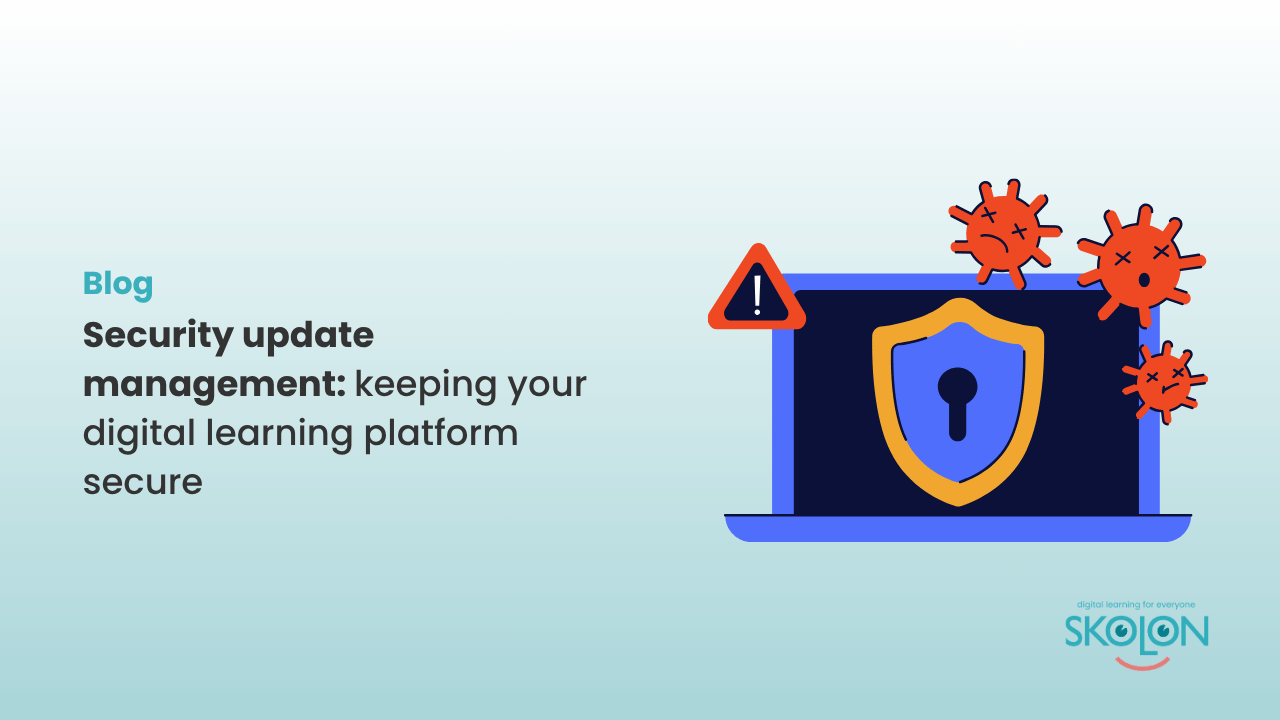
Security update management: Keeping your digital learning platform secure
Author: Amber Lovell
As schools and multi-academy trusts (MATs) continue to embrace digital learning, keeping software secure has never been more important.
From teaching tools and learning resources to communication systems and administrative software, every single app and tool plays a role in supporting teaching and learning. But, and this is quite an important but, if those systems aren’t kept up to date, they can also become an easy target for cyber attacks.
One of the simplest and most effective ways to reduce cyber risk is through regular security updates. These updates fix vulnerabilities that cyber criminals actively look to exploit, helping protect sensitive school data, staff accounts and student information.
As one of the five Cyber Essentials controls, security update management ensures that software remains supported, patched and protected against known threats. Whether you’re managing an entire digital learning platform or individual classroom digital tools, keeping systems
current is essential.
Why do security updates matter?
Software vulnerabilities are discovered all the time. When developers identify a weakness, they release security patches to fix it. If those updates aren’t installed, attackers can exploit the known vulnerability to gain unauthorised access, deploy malware or steal data.
Many high-profile cyber attacks have succeeded not because organisations lacked security tools, but because critical updates had not been applied.
For schools managing multiple teaching tools, browsers, devices and applications, staying on top of updates can quickly become a challenge, particularly for busy IT teams.

Use supported software
Cyber Essentials recommends that organisations only use software that is still supported by its developer. When software reaches its end of life, it no longer receives security patches. Think of the app Flappy Bird; it was all the rage and if you didn’t update your iPhone it still worked long after the developer stopped supporting the app, however, even though it appeared to function normally, any newly discovered vulnerabilities will remain unpatched, increasing the risk of cyber attacks.
It’s therefore recommended that schools and MATs should regularly review the software they use and replace outdated applications before support comes to an end. This includes operating systems, browsers, productivity software and any locally installed learning tools.
The importance of patch management
Patch management is the process of identifying, testing and installing software updates across your devices and systems.
An effective patch management process helps schools:
- Close security vulnerabilities quickly.
- Reduce the risk of malware and ransomware.
- Maintain compliance with security frameworks such as Cyber Essentials.
- Improve the stability and performance of software.
Many operating systems and applications now support automatic updates, making it easier to stay protected without placing additional pressure on IT teams.
How does Skolon support secure digital learning?
As a cloud-based digital learning platform, Skolon is automatically updated without schools needing to manage software installations or manual patching.
Because users access Skolon through a web browser, schools don’t need to deploy updates to the platform across every device. New security improvements and features are rolled out centrally, helping schools stay protected while reducing ongoing maintenance.
Skolon also gives staff and pupils a single, secure place to access approved teaching tools, learning tools and other classroom digital tools. By centralising access to trusted resources, schools can better manage their digital ecosystem, reduce reliance on unsupported software and make it easier for users to access the applications they need.
As more schools and trusts adopt AI in education, having a secure, well-managed platform becomes even more important. Solutions such as Skolup AI enable schools to embrace AI confidently, while Skolon provides a secure, centralised way to access AI-powered applications alongside other digital learning resources. While Skolon helps simplify access and management, we don’t replace the need for schools to keep their own devices, operating systems, browsers and locally installed software fully updated.
Building a safer digital learning environment
Security update management isn’t just about installing the latest features. It’s about closing security gaps before they can be exploited.
By using supported software, applying updates promptly and choosing cloud-based solutions where appropriate, schools can significantly reduce their exposure to cyber threats while making IT management more efficient.
As a cloud-based digital learning platform, Skolon helps reduce the burden of managing updates by ensuring the platform is always running the latest version, while providing secure, centralised access to approved teaching and learning tools. Although schools must still keep their own devices, browsers and operating systems up to date, Skolon helps simplify the management of their wider digital ecosystem.
Combined with the other Cyber Essentials controls, effective security update management and a secure platform like Skolon help create a safer, more resilient digital learning environment that supports teachers, protects pupils and keeps learning running smoothly.
This is Skolon – we gather the best digital educational tools and make them work in the classroom.
Skolon is an independent platform for digital educational tools and learning resources, created for both teachers and students. With Skolon, accessing and using your digital educational tools is easy – security increases, administration decreases, and there’s more time for learning.
The digital educational tools come from both small and large providers, all of whom have one thing in common – they create digital educational tools that are beneficial for the school environment.
Information
Author: Amber Lovell
Share this story
Subscribe
Would you like our newest articles delivered to your inbox? Sign up now!
As schools and multi-academy trusts (MATs) continue to embrace digital learning, keeping software secure has never been more important.
From teaching tools and learning resources to communication systems and administrative software, every single app and tool plays a role in supporting teaching and learning. But, and this is quite an important but, if those systems aren’t kept up to date, they can also become an easy target for cyber attacks.
One of the simplest and most effective ways to reduce cyber risk is through regular security updates. These updates fix vulnerabilities that cyber criminals actively look to exploit, helping protect sensitive school data, staff accounts and student information.
As one of the five Cyber Essentials controls, security update management ensures that software remains supported, patched and protected against known threats. Whether you’re managing an entire digital learning platform or individual classroom digital tools, keeping systems
current is essential.
Why do security updates matter?
Software vulnerabilities are discovered all the time. When developers identify a weakness, they release security patches to fix it. If those updates aren’t installed, attackers can exploit the known vulnerability to gain unauthorised access, deploy malware or steal data.
Many high-profile cyber attacks have succeeded not because organisations lacked security tools, but because critical updates had not been applied.
For schools managing multiple teaching tools, browsers, devices and applications, staying on top of updates can quickly become a challenge, particularly for busy IT teams.
Use supported software
Cyber Essentials recommends that organisations only use software that is still supported by its developer. When software reaches its end of life, it no longer receives security patches. Think of the app Flappy Bird; it was all the rage and if you didn’t update your iPhone it still worked long after the developer stopped supporting the app, however, even though it appeared to function normally, any newly discovered vulnerabilities will remain unpatched, increasing the risk of cyber attacks.
It’s therefore recommended that schools and MATs should regularly review the software they use and replace outdated applications before support comes to an end. This includes operating systems, browsers, productivity software and any locally installed learning tools.
The importance of patch management
Patch management is the process of identifying, testing and installing software updates across your devices and systems.
An effective patch management process helps schools:
- Close security vulnerabilities quickly.
- Reduce the risk of malware and ransomware.
- Maintain compliance with security frameworks such as Cyber Essentials.
- Improve the stability and performance of software.
Many operating systems and applications now support automatic updates, making it easier to stay protected without placing additional pressure on IT teams.
How does Skolon support secure digital learning?
As a cloud-based digital learning platform, Skolon is automatically updated without schools needing to manage software installations or manual patching.
Because users access Skolon through a web browser, schools don’t need to deploy updates to the platform across every device. New security improvements and features are rolled out centrally, helping schools stay protected while reducing ongoing maintenance.
Skolon also gives staff and pupils a single, secure place to access approved teaching tools, learning tools and other classroom digital tools. By centralising access to trusted resources, schools can better manage their digital ecosystem, reduce reliance on unsupported software and make it easier for users to access the applications they need.
As more schools and trusts adopt AI in education, having a secure, well-managed platform becomes even more important. Solutions such as Skolup AI enable schools to embrace AI confidently, while Skolon provides a secure, centralised way to access AI-powered applications alongside other digital learning resources. While Skolon helps simplify access and management, we don’t replace the need for schools to keep their own devices, operating systems, browsers and locally installed software fully updated.
Building a safer digital learning environment
Security update management isn’t just about installing the latest features. It’s about closing security gaps before they can be exploited.
By using supported software, applying updates promptly and choosing cloud-based solutions where appropriate, schools can significantly reduce their exposure to cyber threats while making IT management more efficient.
As a cloud-based digital learning platform, Skolon helps reduce the burden of managing updates by ensuring the platform is always running the latest version, while providing secure, centralised access to approved teaching and learning tools. Although schools must still keep their own devices, browsers and operating systems up to date, Skolon helps simplify the management of their wider digital ecosystem.
Combined with the other Cyber Essentials controls, effective security update management and a secure platform like Skolon help create a safer, more resilient digital learning environment that supports teachers, protects pupils and keeps learning running smoothly.
This is Skolon – we gather the best digital educational tools and make them work in the classroom.
Skolon is an independent platform for digital educational tools and learning resources, created for both teachers and students. With Skolon, accessing and using your digital educational tools is easy – security increases, administration decreases, and there’s more time for learning.
The digital educational tools come from both small and large providers, all of whom have one thing in common – they create digital educational tools that are beneficial for the school environment.
Share this story
Subscribe
Would you like our newest articles delivered to your inbox? Sign up now!