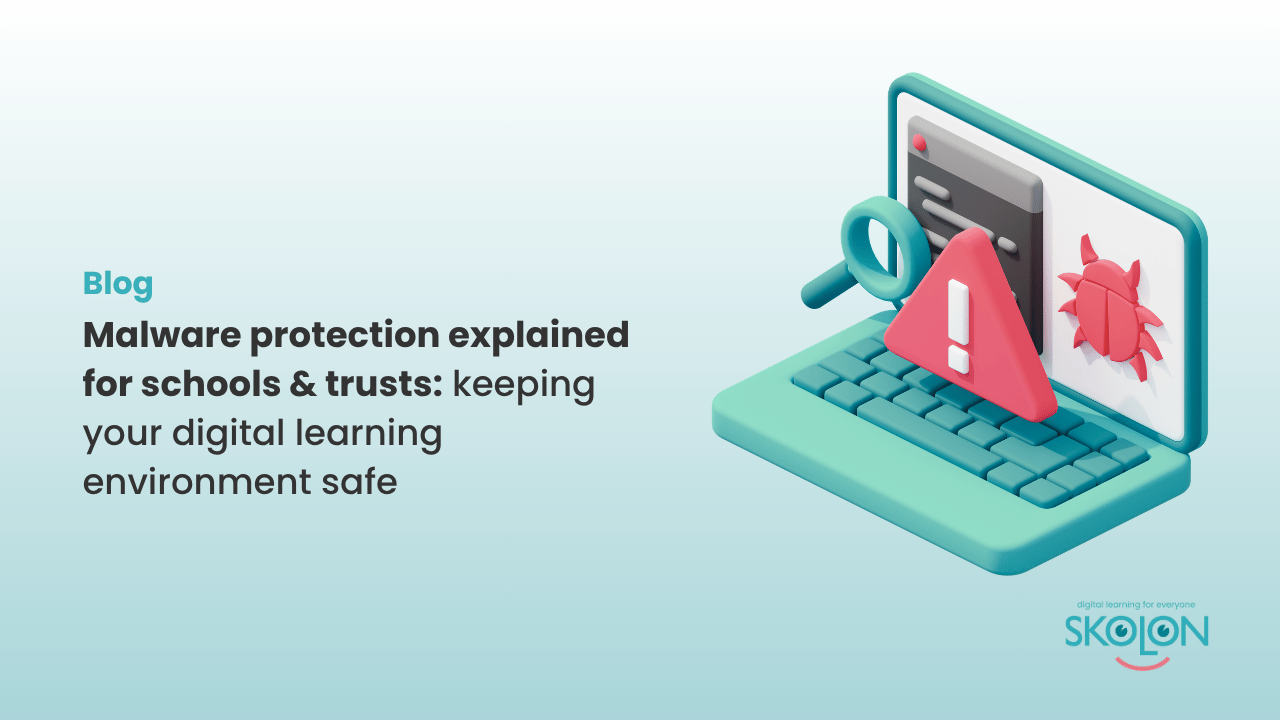
Malware protection explained for schools & trusts: keeping your digital learning environment safe
Author: Amber Lovell
Malware is one of the most common cyber security threats facing organisations today, and one of the five Cyber Essentials technical controls to keep in mind.
From ransomware attacks that can bring learning to a halt to malicious software designed to steal sensitive data, the impact of malware can unfortunately be quite significant.
While no solution can eliminate every cyber threat, they can be somewhat mitigated by combining good cyber security practices with the right technology which can significantly reduce the risk of malware affecting your school.
What is malware?
Malware is short for malicious software. It’s designed to disrupt systems, steal information or gain unauthorised access to devices and networks.
There are many different types of malware that you would have heard of, including:
- Viruses, which spread by infecting files or software.
- Ransomware, which encrypts files and demands payment to restore access.
- Spyware, which secretly collects information about users or devices.
- Trojans, which disguise themselves as legitimate software to trick users into installing them.
Malware can spread through phishing emails, malicious websites, compromised downloads or vulnerable software that hasn’t been updated.
Why malware protection matters in education
Schools and trusts increasingly rely on tech every day to deliver lessons, communicate with parents, manage safeguarding information and store sensitive pupil and staff data. That said, if malware infects a school’s systems, the consequences can include anything from:
- Disruption to teaching and learning.
- Loss of access to critical systems.
- Exposure of sensitive personal information.
- Financial costs associated with recovery.
To the reputational damage and loss of trust. Because schools and trusts often manage hundreds of devices and support large numbers of users, effective malware protection is an essential part of maintaining a secure digital environment.

How Cyber Essentials approaches malware protection
Cyber Essentials requires organisations to have appropriate protections in place to prevent malware from compromising their systems.
For most schools, this includes using reputable antivirus or anti-malware software on devices, ensuring security features remain enabled and educating users about common cyber threats such as phishing emails and suspicious downloads.
However, malware protection isn’t only about installing antivirus software; it also involves reducing the opportunities for malicious software to reach your systems in the first place.
The role of antivirus software
Antivirus software helps detect, block and remove known malware before it can cause harm.
Modern antivirus solutions continuously monitor devices, scan files and identify suspicious activity using regularly updated threat intelligence.
Keeping antivirus software up to date is just as important as installing it. New malware variants emerge every day, so regular updates ensure devices remain protected against the latest threats.
For schools and trusts managing large numbers of devices, centrally managed endpoint protection can help ensure consistent security across the organisation.
Where does Skolon fit in?
We cannot emphasise this enough; Skolon is not antivirus software and doesn’t replace the malware protection tools schools should have in place as part of their wider cyber security strategy.
However, Skolon supports safer access to digital learning resources.
By providing a central platform where staff and pupils can securely access approved applications using Single Sign-On (SSO), Skolon helps reduce the need to search for websites, manage multiple sets of login credentials or create separate accounts across numerous services.
Integration with trusted identity providers, such as Microsoft Entra ID and Google Workspace, helps schools manage user authentication consistently while ensuring users only have access to the resources appropriate to their role.
By simplifying access to trusted digital tools and reducing unnecessary complexity, Skolon contributes to a more secure digital learning environment alongside antivirus software, endpoint protection and the other controls recommended by Cyber Essentials.
Malware protection is one part of a wider security strategy
There is no single solution that can protect a school from every cyber threat.
Effective malware protection relies on multiple layers working together, including antivirus software, secure devices, regular software updates, strong user access controls and ongoing cyber security awareness.
Combined with platforms such as Skolon that simplify secure access to approved learning resources, these measures help schools reduce risk while giving staff and pupils the confidence to use digital technology safely.
In the next article in this series, we’ll explore Security Update Management and why keeping software up to date is one of the simplest yet most effective ways to strengthen your school’s cyber security.
This is Skolon – we gather the best digital educational tools and make them work in the classroom.
Skolon is an independent platform for digital educational tools and learning resources, created for both teachers and students. With Skolon, accessing and using your digital educational tools is easy – security increases, administration decreases, and there’s more time for learning.
The digital educational tools come from both small and large providers, all of whom have one thing in common – they create digital educational tools that are beneficial for the school environment.
Information
Author: Amber Lovell
Share this story
Subscribe
Would you like our newest articles delivered to your inbox? Sign up now!
Malware is one of the most common cyber security threats facing organisations today, and one of the five Cyber Essentials technical controls to keep in mind.
From ransomware attacks that can bring learning to a halt to malicious software designed to steal sensitive data, the impact of malware can unfortunately be quite significant.
While no solution can eliminate every cyber threat, they can be somewhat mitigated by combining good cyber security practices with the right technology which can significantly reduce the risk of malware affecting your school.
What is malware?
Malware is short for malicious software. It’s designed to disrupt systems, steal information or gain unauthorised access to devices and networks.
There are many different types of malware that you would have heard of, including:
- Viruses, which spread by infecting files or software.
- Ransomware, which encrypts files and demands payment to restore access.
- Spyware, which secretly collects information about users or devices.
- Trojans, which disguise themselves as legitimate software to trick users into installing them.
Malware can spread through phishing emails, malicious websites, compromised downloads or vulnerable software that hasn’t been updated.
Why malware protection matters in education
Schools and trusts increasingly rely on tech every day to deliver lessons, communicate with parents, manage safeguarding information and store sensitive pupil and staff data. That said, if malware infects a school’s systems, the consequences can include anything from:
- Disruption to teaching and learning.
- Loss of access to critical systems.
- Exposure of sensitive personal information.
- Financial costs associated with recovery.
To the reputational damage and loss of trust. Because schools and trusts often manage hundreds of devices and support large numbers of users, effective malware protection is an essential part of maintaining a secure digital environment.
How Cyber Essentials approaches malware protection
Cyber Essentials requires organisations to have appropriate protections in place to prevent malware from compromising their systems.
For most schools, this includes using reputable antivirus or anti-malware software on devices, ensuring security features remain enabled and educating users about common cyber threats such as phishing emails and suspicious downloads.
However, malware protection isn’t only about installing antivirus software; it also involves reducing the opportunities for malicious software to reach your systems in the first place.
The role of antivirus software
Antivirus software helps detect, block and remove known malware before it can cause harm.
Modern antivirus solutions continuously monitor devices, scan files and identify suspicious activity using regularly updated threat intelligence.
Keeping antivirus software up to date is just as important as installing it. New malware variants emerge every day, so regular updates ensure devices remain protected against the latest threats.
For schools and trusts managing large numbers of devices, centrally managed endpoint protection can help ensure consistent security across the organisation.
Where does Skolon fit in?
We cannot emphasise this enough; Skolon is not antivirus software and doesn’t replace the malware protection tools schools should have in place as part of their wider cyber security strategy.
However, Skolon supports safer access to digital learning resources.
By providing a central platform where staff and pupils can securely access approved applications using Single Sign-On (SSO), Skolon helps reduce the need to search for websites, manage multiple sets of login credentials or create separate accounts across numerous services.
Integration with trusted identity providers, such as Microsoft Entra ID and Google Workspace, helps schools manage user authentication consistently while ensuring users only have access to the resources appropriate to their role.
By simplifying access to trusted digital tools and reducing unnecessary complexity, Skolon contributes to a more secure digital learning environment alongside antivirus software, endpoint protection and the other controls recommended by Cyber Essentials.
Malware protection is one part of a wider security strategy
There is no single solution that can protect a school from every cyber threat.
Effective malware protection relies on multiple layers working together, including antivirus software, secure devices, regular software updates, strong user access controls and ongoing cyber security awareness.
Combined with platforms such as Skolon that simplify secure access to approved learning resources, these measures help schools reduce risk while giving staff and pupils the confidence to use digital technology safely.
In the next article in this series, we’ll explore Security Update Management and why keeping software up to date is one of the simplest yet most effective ways to strengthen your school’s cyber security.
This is Skolon – we gather the best digital educational tools and make them work in the classroom.
Skolon is an independent platform for digital educational tools and learning resources, created for both teachers and students. With Skolon, accessing and using your digital educational tools is easy – security increases, administration decreases, and there’s more time for learning.
The digital educational tools come from both small and large providers, all of whom have one thing in common – they create digital educational tools that are beneficial for the school environment.
Share this story
Subscribe
Would you like our newest articles delivered to your inbox? Sign up now!